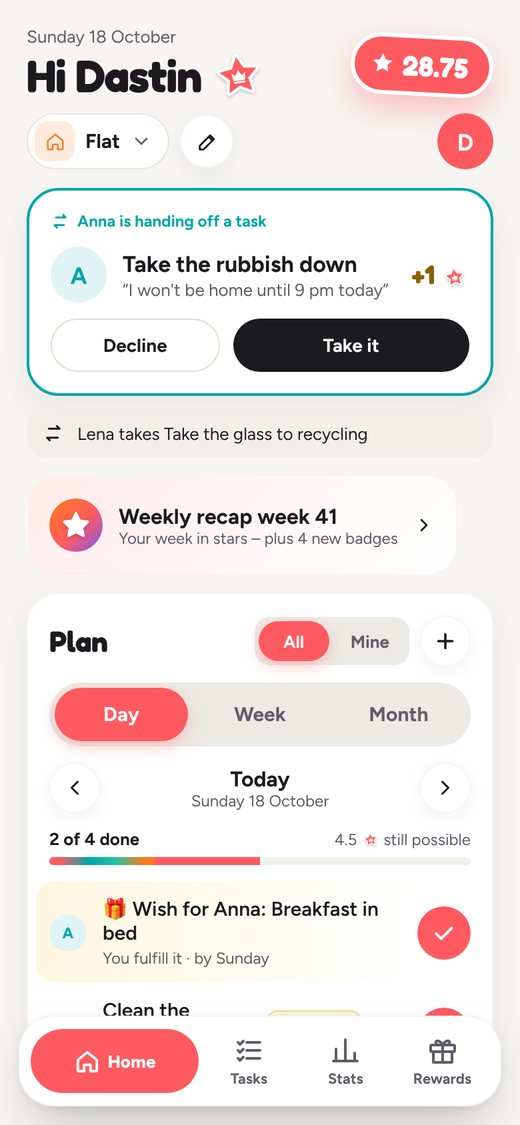
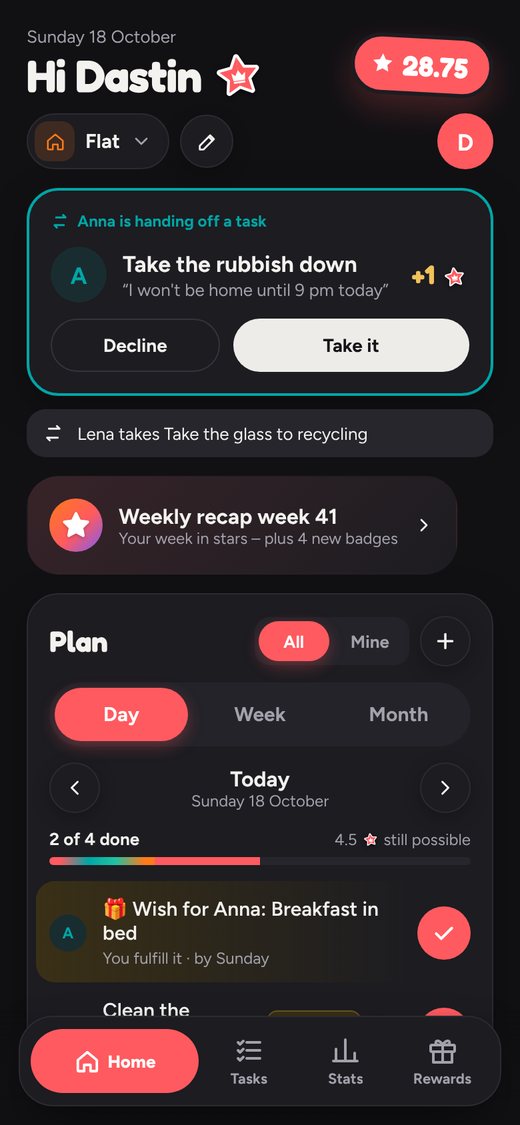
Time tracking to the second – right on the task
One tap starts the timer, one tap stops it. How time tracking works – on your phone, in the browser and across your team.
Tracking time shouldn’t feel like bookkeeping. That’s why the timer sits exactly where the work happens: on every task.
One tap – and it’s running
Next to every task you’ll find ▶. Tap it and the timer runs. Tap again and the time is logged – to the second, no rounding. Tap “Note” afterwards to jot down what you did.
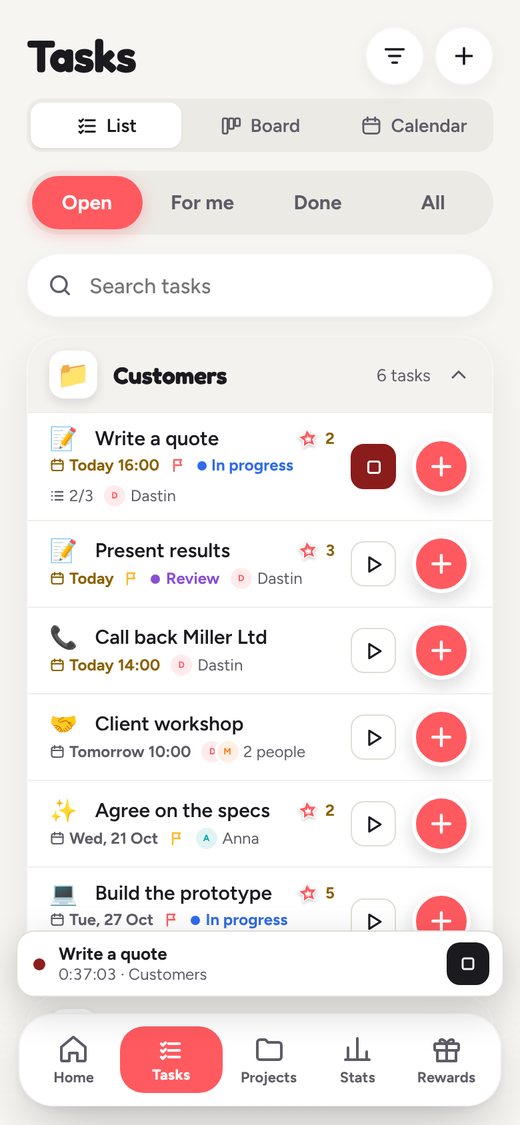
Phone off? Still running.
The timer works from the start time, not from a clock ticking inside the app. Lock your phone, close the app or carry on at your Mac – the time keeps counting. And if you ever forget to stop it: after 24 hours in a row, stickerlist stops the timer by itself.
The table in your browser
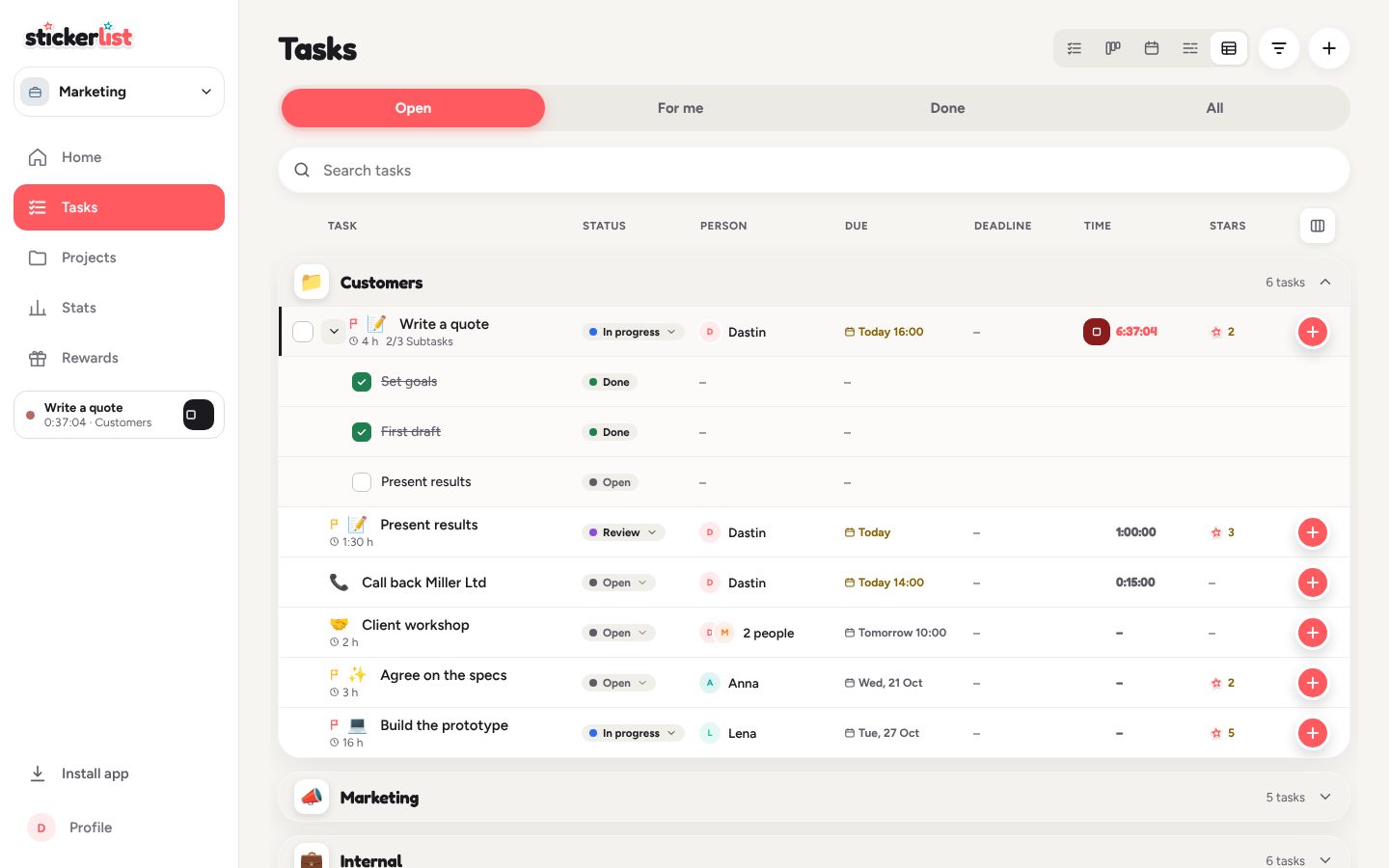
In the browser, tasks also come as a table – with columns for deadline and time, including the timer and the time logged per task. Expand subtasks right in the table and see them with status, person and date. You choose which columns you see.
All your time under Projects
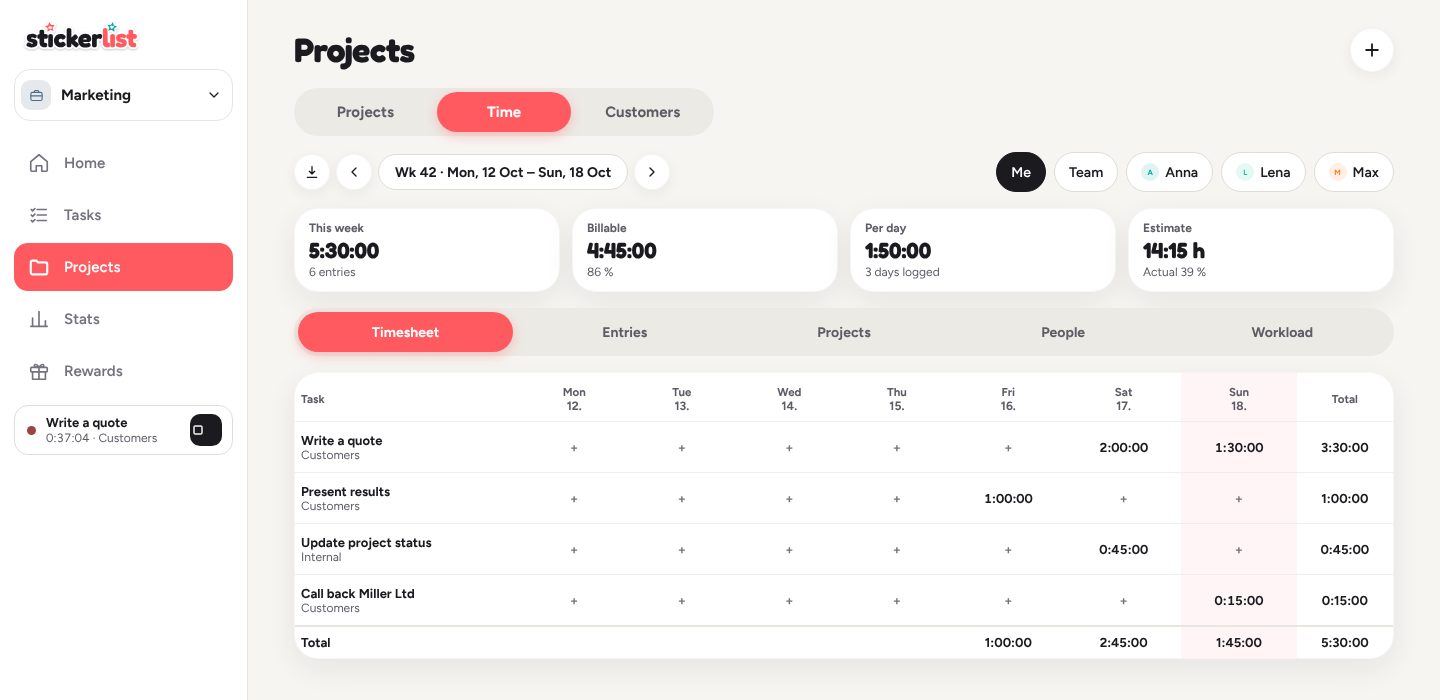
Time belongs to projects. Under Projects › Time you’ll find your timesheet, every entry, reports by project and person, and your team’s workload. A CSV export takes the hours on to your accounting.
Tip: inside a project, “My time” shows how much you’ve logged there so far.